



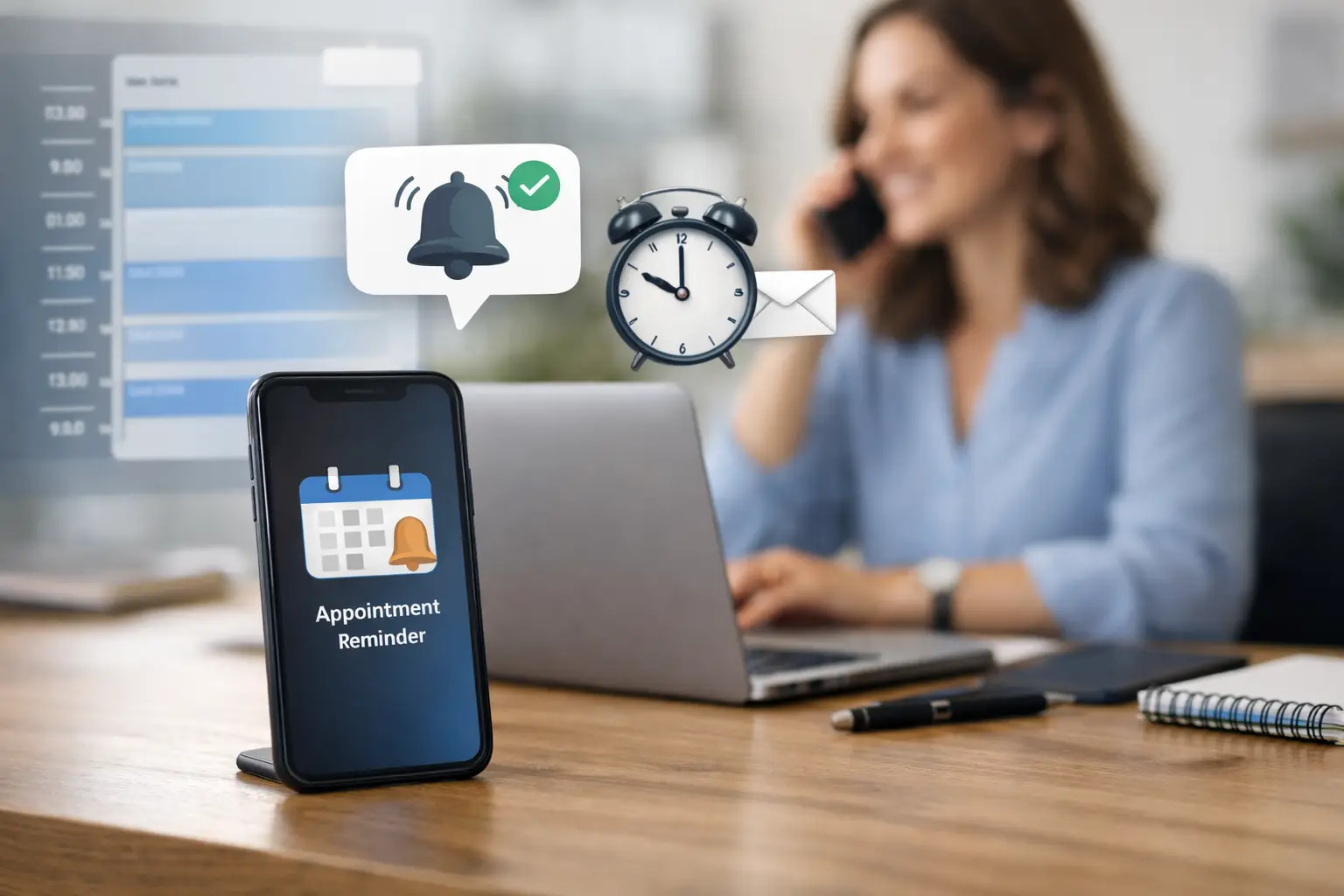
A missed appointment is more than an empty slot on the calendar. For a dental office, law firm, contractor, med spa, or home service company, it can mean lost revenue, wasted staff time, and a schedule that becomes harder to manage as the day goes on. The good news is that learning how to automate appointment reminders does not require replacing every system your business already uses. It requires a thoughtful workflow that reaches customers at the right time, through the right channel, and gives them an easy way to respond.
The goal is not to send more messages. The goal is to get more confirmed appointments, catch cancellations early, and make it simple for staff to focus on customers instead of making repetitive follow-up calls.
Start With the Appointment Journey
Before choosing software or writing a text message, map what happens from the moment a customer books to the moment they arrive. Many businesses make the mistake of automating a single reminder and calling it done. That may help, but a well-built sequence works across the full appointment journey.
A customer may need a booking confirmation immediately after scheduling, a reminder several days before the appointment, and a final reminder close enough to the visit that they take action. If they cannot attend, the message should allow them to confirm, reschedule, or cancel without a long phone call or a confusing email exchange.
The right sequence depends on your business. A roofing estimate scheduled two weeks out needs a different cadence than a same-week chiropractic appointment. A legal consultation may require intake forms and a reminder to bring documents. A plumber’s service window may need a technician-on-the-way notification rather than a traditional appointment reminder.
Define these basics first: when the booking is created, what details the customer needs, what action you want them to take, and what should happen if they do not respond. That gives your automation a business purpose instead of turning it into background noise.
How to Automate Appointment Reminders Step by Step
Connect the calendar to your communication tools
Your appointment calendar should be the source of truth. Whether your team uses a scheduling platform, CRM, practice management system, field service application, or a custom booking form, it needs to pass accurate appointment data into your reminder system.
At a minimum, the workflow should pull the customer’s name, mobile number or email address, appointment date and time, location or service address, staff member when relevant, and a rescheduling link or contact method. If the data is incomplete or duplicated, automation will only send mistakes faster.
For businesses with multiple systems, an API integration or custom middleware can be the difference between a useful reminder program and a frustrating one. It can keep changes synced in real time, prevent reminders for canceled appointments, and ensure a rescheduled visit receives the correct new sequence.
Choose channels based on customer behavior
Text messaging is often the strongest channel for time-sensitive appointment reminders because most people read texts quickly. Email is useful for confirmations, preparation instructions, maps, forms, and detailed information. Phone calls may still make sense for high-value consultations, elderly customer bases, or appointments where personal follow-up improves show rates.
Do not assume every customer wants every channel. Give people clear communication preferences when they book. A typical setup might send an email confirmation with full details, then send a text reminder closer to the appointment. If no confirmation comes back for a high-value appointment, staff can receive a task to follow up personally.
Keep text messages short. The customer should be able to understand the appointment details and take the next step without scrolling through a paragraph of marketing language.
Build a reminder cadence that matches your service
There is no universal reminder schedule. Sending too early can make the appointment easy to forget again. Sending too late leaves no time to fill a canceled slot. Most businesses benefit from a layered approach rather than one message.
A practical starting point is an immediate booking confirmation, a reminder three to seven days before the appointment, and a final reminder 24 hours before. For services with a high no-show rate, a same-day reminder can be useful. For appointments scheduled months in advance, add a message one or two weeks out.
Each message should have a job. The confirmation verifies the booking. The earlier reminder gives the customer time to reschedule. The final reminder drives attendance. Avoid sending the exact same copy repeatedly, since repetition trains people to ignore it.
Make confirmation and rescheduling easy
The best automated reminder is interactive. Instead of asking customers to call during business hours, let them reply with a simple confirmation, click a confirmation button, or use a self-service rescheduling link.
This creates immediate operational value. Confirmed appointments can stay on the calendar. Cancellations can trigger an internal alert, allowing staff to contact a waitlist or promote an earlier opening. Rescheduled appointments should automatically update the reminder sequence so customers do not receive messages for the old time.
For a service business, consider adding a short question that helps the team prepare. A contractor might ask the homeowner to confirm the service address. A medical practice might remind patients to complete required forms. Keep the interaction focused. Every extra step can reduce response rates.
Write Messages Customers Will Actually Read
Reminder copy should be direct, professional, and recognizable. Include your business name, the appointment date and time, and the action you want the customer to take. If there is a location, parking instruction, preparation requirement, or arrival window, include only what is necessary for that specific message.
A simple text can read: “Hi Jamie, this is Bright Smile Dental. You are scheduled for Tuesday, May 14 at 2:00 PM. Reply Y to confirm or use this link to reschedule.” The language is clear, the sender is identifiable, and the next action is obvious.
Avoid vague messages such as “Reminder: You have an appointment tomorrow.” They create uncertainty, especially for customers juggling multiple providers, family schedules, and work commitments. Also avoid overloading reminder texts with promotions. A small mention of an add-on service may be appropriate in some industries, but the core purpose is attendance.
Protect Customer Trust and Stay Compliant
Automation works only when customers trust the messages they receive. Obtain consent before sending promotional texts, honor opt-out requests immediately, and keep records of communication preferences. Text messaging regulations can vary by use case and location, so your workflow should be reviewed against applicable requirements before launch.
Healthcare, legal, and financial businesses need extra care. A reminder should not disclose sensitive information in a text or email that could be seen by someone else. For healthcare practices, your systems and vendors may also need to support HIPAA requirements. In those cases, use neutral language and direct customers to a secure portal when detailed information is needed.
Trust also depends on timing. Do not send reminders late at night, and make sure your business name appears consistently. A message from an unfamiliar number with no context looks like spam, even when it is legitimate.
Measure More Than Open Rates
Email opens and text delivery rates are useful diagnostic metrics, but they are not the final score. The metrics that matter are appointment confirmation rate, no-show rate, cancellation lead time, reschedule rate, staff time saved, and revenue recovered from filled openings.
Compare results before and after automation. If no-shows fall but late cancellations rise, your first reminder may be working while your rescheduling process needs improvement. If messages are delivered but confirmations remain low, the call to action may be unclear or the timing may be wrong.
Segment results by location, service type, appointment value, and booking lead time. A Tampa home services company may find that morning reminders work best for residential calls, while a law office may see better confirmation rates from messages sent near the end of the business day. The data should shape the workflow, not the other way around.
Know When a Custom Workflow Is Worth It
Out-of-the-box reminder tools are a good fit for many small businesses, especially when they connect cleanly to the existing calendar. Custom automation becomes valuable when your process includes multiple locations, different appointment types, internal routing rules, waitlists, payment status checks, lead follow-up, or several disconnected systems.
For example, a missed consultation might trigger a different workflow than a canceled service call. One could create a staff follow-up task, while the other could immediately offer the opening to customers who asked for an earlier time. That level of logic requires more than a generic reminder template.
Mindful Coding Solutions helps growth-focused businesses connect marketing systems and operational tools so automations support revenue, not just administration. The right build should be easy for your team to manage and flexible enough to improve as your business grows.
Start with one high-impact appointment type, set a clear baseline for no-shows and confirmations, and improve the workflow from real customer behavior. A reminder system earns its value when it gives customers a better experience and gives your team back time to serve the people who are ready to do business with you.